

Overview / Ingate
Ingate: a company organized as a universe.
Ingate turned a company into a place to explore — from the first onboarding choice to a pixel-art room for video calls. I led its design as Head of Design. The product was discontinued in 2025.
Each team lives on a planet, with its members’ avatars and a head count.
The universe · 01An icon rail with tooltips that opens into the full Admin view.
Navigation · 02A pixel-art metaverse room where video calls happen.
Metaverse · 03What the designs show.
























00 / Onboarding
Choose the shape of your company.
The first screen asks one question: how should your company be organized? Its answer is “in a unique way” — large planets, or small ships.
Two cards make the choice, each with an illustration and a single Select button: a universe of planets for large groups, or a smaller start in the metaverse.





Organize your company
in a 
You can choose to create large planets, or small ships
For large groups
A universe of planets.
Create large universes and planets. The card recommends this option for companies with more than 50 employees, and shows it as Earth with planets in orbit.
Starting in the metaverse
A map to start small.
Invite friends into a map that you can customize completely. Its illustration is a landscape of mountains and forest instead of a universe.
01 / The universe
Every team is a planet.
The company appears as a universe. Each planet is a team, with its members’ avatars below it and a badge with the head count — 45 on the central planet, 99+ on another.

 Continue with Google
Preview mode
Explore first, sign up after.
Visitors can look around the universe in preview mode. A bar at the bottom welcomes them to Ingate and offers two ways in: Continue with Google or Sign up with Email.
Reading the universe
Colour, faces and a number.
Every planet has its own colours and surface. The avatars show who is on each team, the badge shows how many people it holds, and the sidebar names where you are: Metaverse.
02 / Navigation
One sidebar, two densities.
A narrow icon rail keeps the universe in view, with a tooltip naming each destination. Expanded, the same sidebar becomes the Admin view: a Main menu, a Settings group and the signed-in user.
Main menu and settings
Eight destinations in two groups.
The Main menu holds Home, Chat, Task Projects, Metaverse and A.I Tools. Settings holds Support, General Settings and Permission.
The header names the current view — Admin view, “You have all the power” — and a lime badge on the rail’s Chat icon flags one new notification.





03 / The metaverse room
A room where the calls happen.
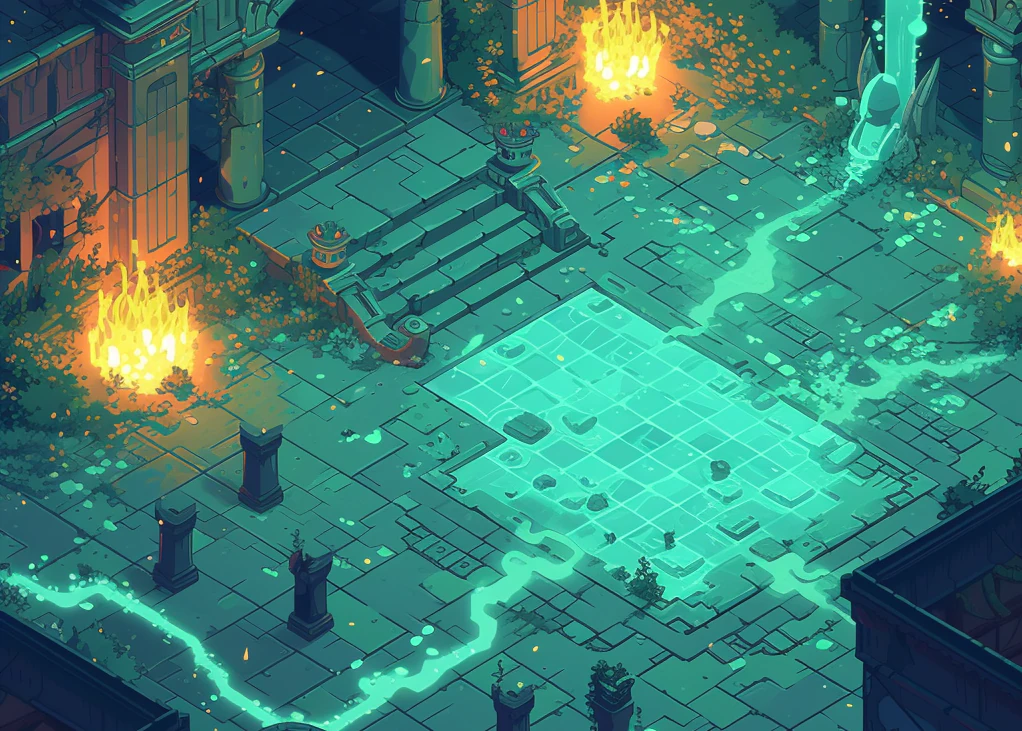
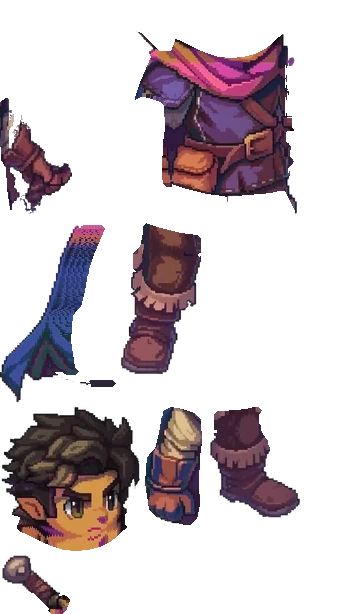
The metaverse is a pixel-art room: an isometric dungeon with fire and glowing water channels. People appear as characters with name tags, and video calls sit on top of the room as tiles.











Video on the map
Faces above, room below.
The video tiles, each with the person’s avatar, sit along the top of the room, leaving the map visible underneath.
The same frame
Inside the product, not beside it.
The sidebar and the preview-mode bar stay in place, so the room lives in the same window as the universe.
04 / Designing the world
The whole desktop, worked out in lines first.
Before a single tile was painted, the desktop was thought through as a wireframe: the app frame around the map, the house, the trees, the office floor and every object people would walk past on their way to a desk.
Frame and map
The app and the world, designed together.
The sidebar, the call tiles and the map share one window, so the wireframe settles both at once: what stays fixed on screen, and what lives in the world.
Places with a purpose
Every object answers a question.
Desks show where a team sits, the meeting room is where the daily happens, and the path from the house leads every newcomer to the office door.
05 / A day at the office
Two worlds, one team at work.
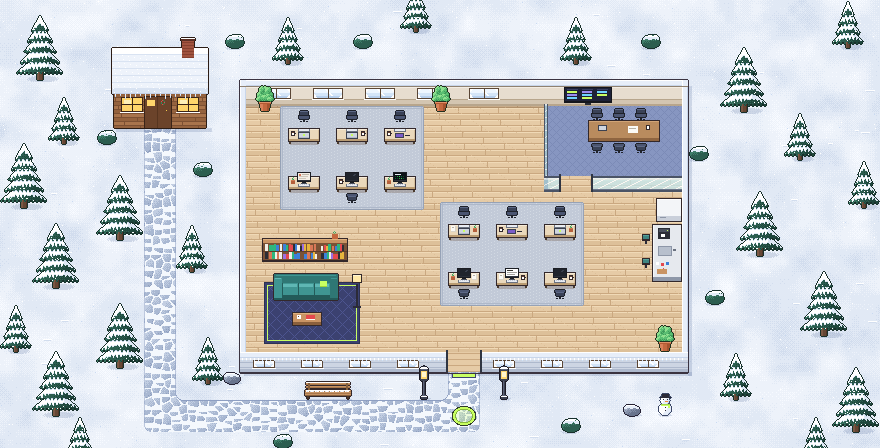
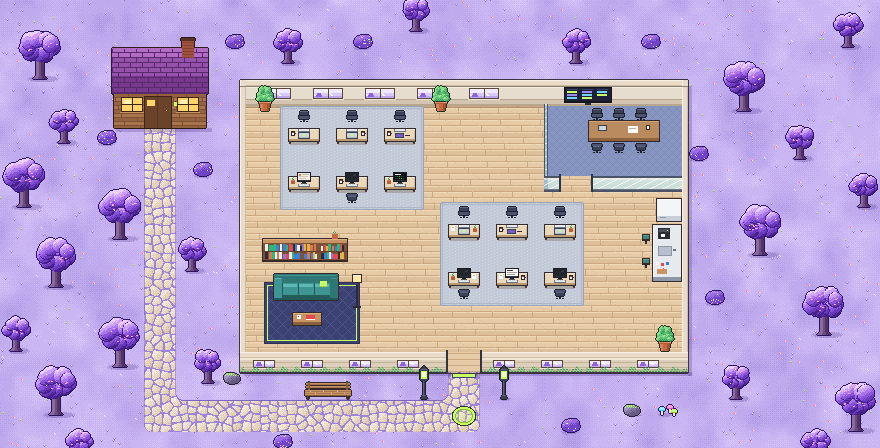
The same office can live in different worlds — here, in the snow and under purple trees. People sit at their desks, and a bubble over each person shows the tool they are working in: Claude, Figma, VS Code and more.

Presence
See who is deep in what.
A glance at the floor tells you who is designing, who is coding and who is writing, without a message or a meeting.
Worlds
One floor plan, many places.
The desks, the meeting room and the lounge stay where the team knows them; only the world outside the windows changes.
06 / Dailies
Every daily ended with an action plan.
Ingate recorded the daily and transcribed it. The transcript became an action plan — what needs to be done, and by whom — and teams used it in their dailies as a matter of routine.
A daily call with Mei, Nina, Kenji, Sofia and Rafael, recorded and transcribed from 09:00 to 09:12.

Transcript
 Mei
MeiMorning, everyone! Yesterday, today, blockers — Nina first.
 Nina
NinaOnboarding screens are final. I’ll hand them off (owner)today. (due)
 Kenji
KenjiThen I’ll build the planet picker, (owner)ready by tomorrow. (due)
 Sofia
SofiaSearch fix passed review. I’m shipping it (owner)to staging today. (due)
 Rafael
I’m blocked on the payments sandbox. (blocker)Still waiting on API access.
- Mei
Rafael, I’ll chase the API access (owner)this morning. (due)
- Mei
Decision: onboarding demo on Friday. (decision)Thanks, everyone!
Action plan · Daily, Tue
5 tasks · 1 decisionHand off the onboarding screens
NinaDue TodayIn progressBuild the planet picker
KenjiDue TomorrowTo doShip the search fix to staging
SofiaDue TodayIn progressPayments sandbox — waiting on API access
RafaelBlockedGet API access for Rafael
MeiDue TodayTo do
DecisionOnboarding demo on Friday
Action plan shared with the teamMei, Nina, Kenji, Sofia and Rafael
Record and transcribe
Nobody takes notes.
The call is recorded and transcribed as people talk, so everyone can stay in the conversation.
From talk to tasks
Decisions become owners.
What was agreed turns into tasks with an owner each, ready for the team to pick up the moment the daily ends.
07 / Blockers
A blocker reaches the manager on its own.
When someone was blocked, Ingate notified their manager automatically. In the interface, the manager could see who was blocked, what was in the way and a suggestion for how to solve it.

Rafael is blockedWaiting on API access · since today’s daily
Blockers1 open
Found in your team’s dailies and sent to you automatically.
RafaelBackend Engineer
Blocked · since today’s dailyWhat’s in the way
“Waiting on API access for the payments sandbox.”
Said in today’s daily · added to the action plan
- Task
 Payments sandbox
- Waiting on it
- Nina and MeiOnboarding demo · Friday
Suggested fixFrom who solved this before, and what you can do
You’re an admin of the payments workspace.Fastest fix: grant the access yourself.
Kenji unblocked the same sandbox access last sprint.He knows the setup and can pair with Rafael.
Rather talk it through?
Behind the product
Moments from the Ingate project.
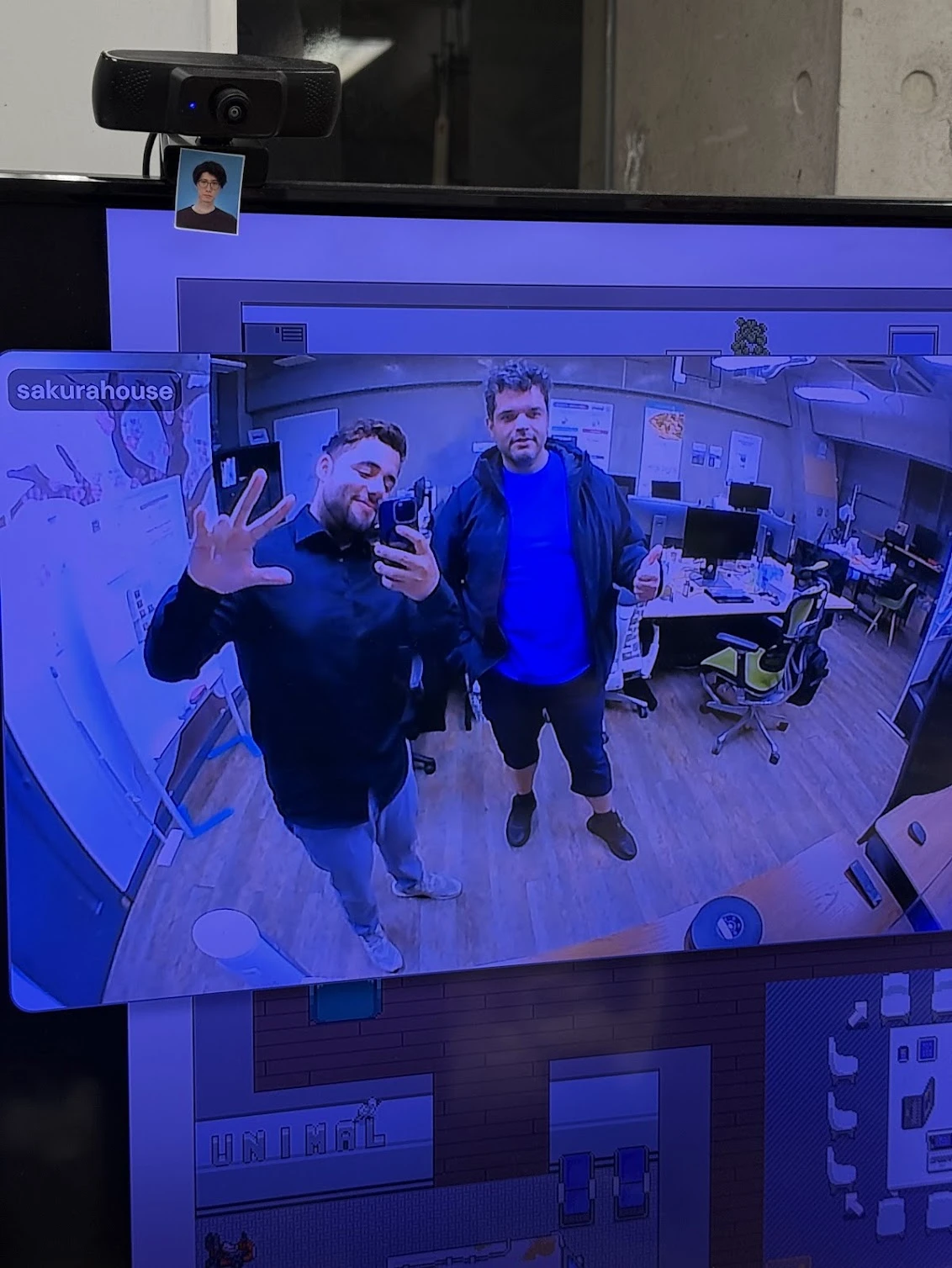
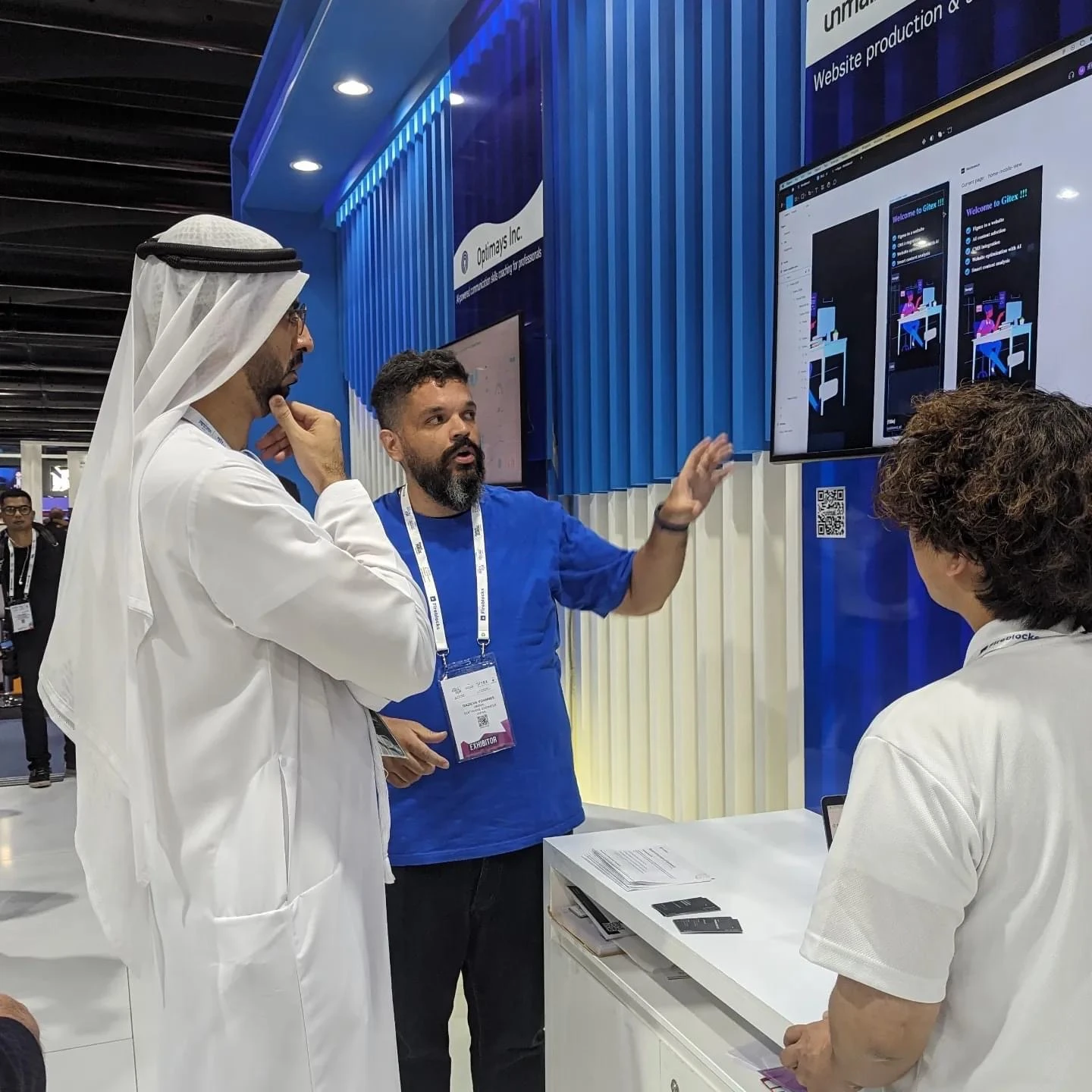
A call from inside the metaverse office, and the product in front of people.

Start a conversation
Let’s talk about your product, your team, and where design can create the most value.
- Call duration
- 20-30 minutes
- Topic
- Design engineering
- Price
- Free